

PowerFlex Manager runs on the PowerFlex Management Platform, a self-managed Kubernetes cluster used to administer PowerFlex services. Shutting down its database makes the Manager interface unavailable, so the database and management nodes must be handled in the correct order. This walkthrough documents the procedure used in my lab and highlights the Dell 4.5.x co-resident-system runbook. Verify the exact PowerFlex core release, PowerFlex Manager build, and deployment topology before applying these steps to another environment.
The database-shutdown command shown below changes the desired state of the PostgreSQL cluster through its Kubernetes custom resource. It is not a direct Patroni command. The observed Patroni roles are included only as an additional health check; their exact names and count depend on the lab’s configuration.
If you are new to the platform, start with Introducing the Dell PowerFlex Solution. It introduces the PowerFlex architecture and distinguishes the management functions from the block-storage data path.
For background on the Linux-based management-platform deployment used in the lab, see How to Deploy PowerFlex Manager on Linux. That article describes a specific lab build; check its version and operating-system notes against the Dell documentation for the release you use.
Confirm the deployment scope before shutdown
Dell’s PowerFlex 4.5.x Install and Upgrade Guide documents a co-resident-system shutdown. In that workflow, stop external workloads first. Dell also recommends unmounting volumes from non-PowerFlex-management SDCs that share the system. After the database is shut down, the PowerFlex Manager UI is unavailable and users cannot authenticate to the MDM cluster.
My lab contains a three-node PowerFlex management cluster. Before following the host power-off step, confirm whether the management nodes are co-resident with PowerFlex storage components or are dedicated PFMP VMs. Dell’s instruction to power off all hosts applies to the documented co-resident-system procedure; do not silently treat it as a universal instruction for a dedicated management cluster.
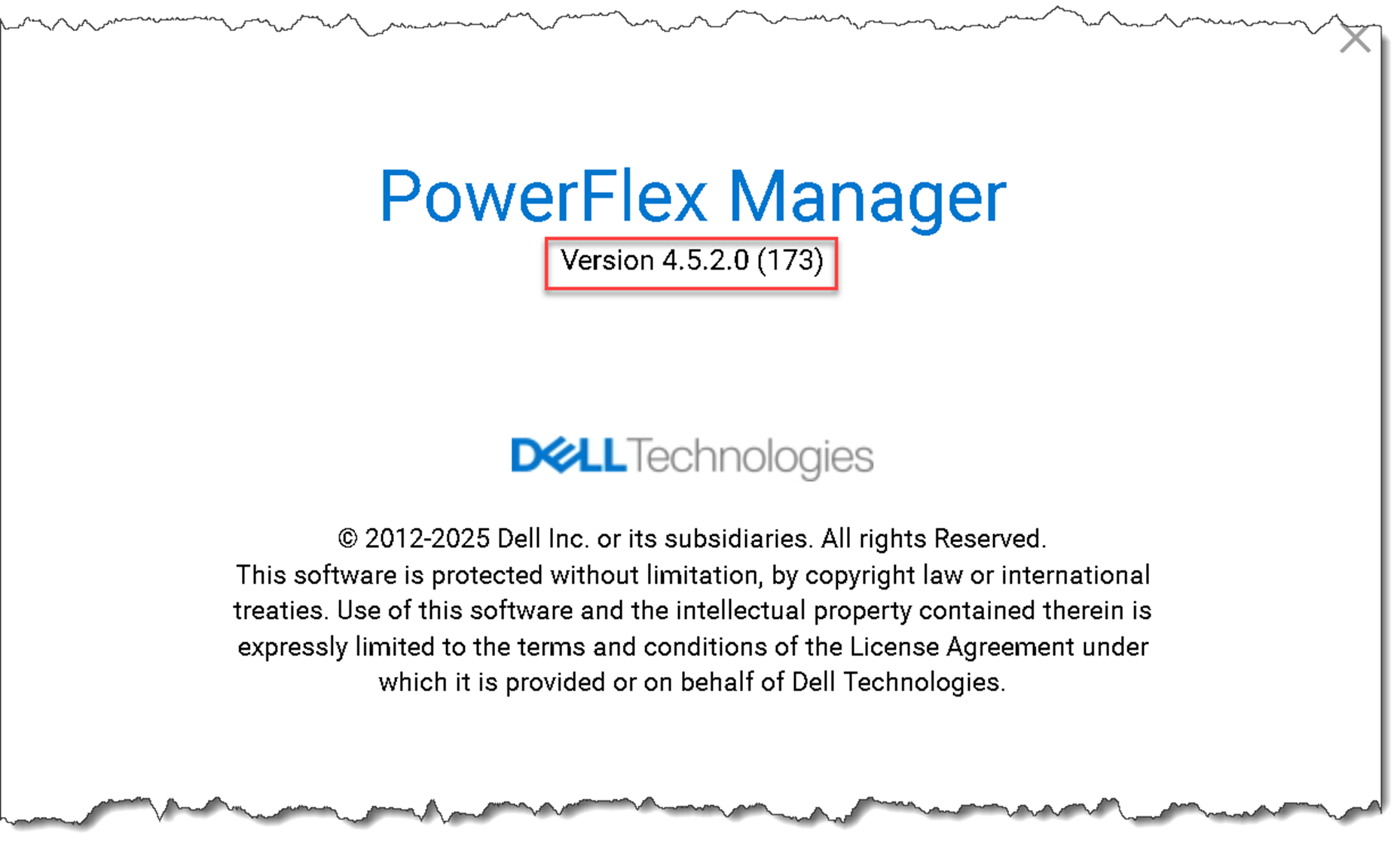
Steps to Shut Down the PowerFlex Manager Cluster
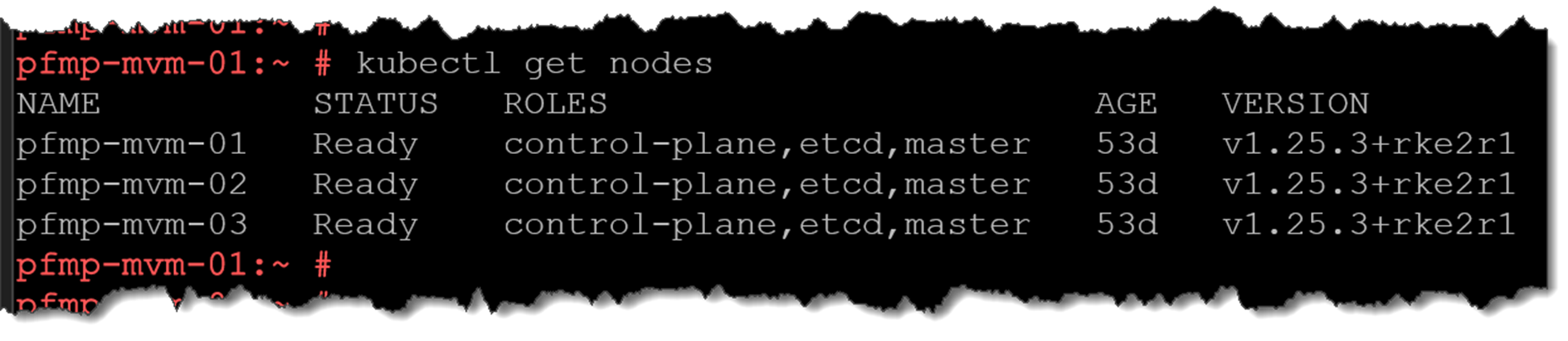
1) Access by SSH one PowerFlex Manager node to get the node list and their status:
kubectl get nodes -o wideThe “Ready” status means that the node is working fine/usually:
2) Get the Postgres cluster status:
kubectl exec -n powerflex -c database $(kubectl get pods -n powerflex -l='postgres-operator.crunchydata.com/role=master, postgres-operator.crunchydata.com/instance-set' | grep Running | cut -d' ' -f1) -- sh -c 'patronictl list'One member is the “Leader” and the other members as “Sync Standby”:

To get the PowerFlex hostnames (this command converts the Postgres member name to the system hostname):
for x in `kubectl get pods -n powerflex | grep "postgres-ha-cmo" |awk '{print $1}'` ; do echo $x; kubectl get pods -n powerflex $x -o json | grep '"nodeName"' | cut -d ':' -f2 ; echo " "; done
3) Additionally, the following command shows all Postgres pods. Each PowerFlex Management node has one Postgres pod running on it:
echo $(kubectl get pods -l="postgres-operator.crunchydata.com/control-plane=pgo" --no-headers -o name && kubectl get pods -l="postgres-operator.crunchydata.com/instance" --no-headers -o name) | xargs kubectl get -o wide
4) Shutdown PowerFlex. Access one PowerFlex Management node and execute the following commands (basically, we are shutting down the Postgres cluster to avoid corrupt data at the database level):
alias k="kubectl -n $(kubectl get pods -A | grep -m 1 -E 'platform|pgo|helmrepo' | cut -d' ' -f1)"

kubectl config set-context default --namespace=$(kubectl get pods -A | grep -m 1 -E 'platform|pgo|helmrepo|docker' | cut -d ' ' -f1)

k patch $(k get postgrescluster -o name) --type merge --patch '{"spec" : {"shutdown" : true}}' 
5) Check that PowerFlex is shut down:
echo $(kubectl get pods -l="postgres-operator.crunchydata.com/control-plane=pgo" --no-headers -o name && kubectl get pods -l="postgres-operator.crunchydata.com/instance" --no-headers -o name) | xargs kubectl get -o wide After executing this command, all Postgres pods will be powered off correctly. Only one “pgo” pod will stay running:

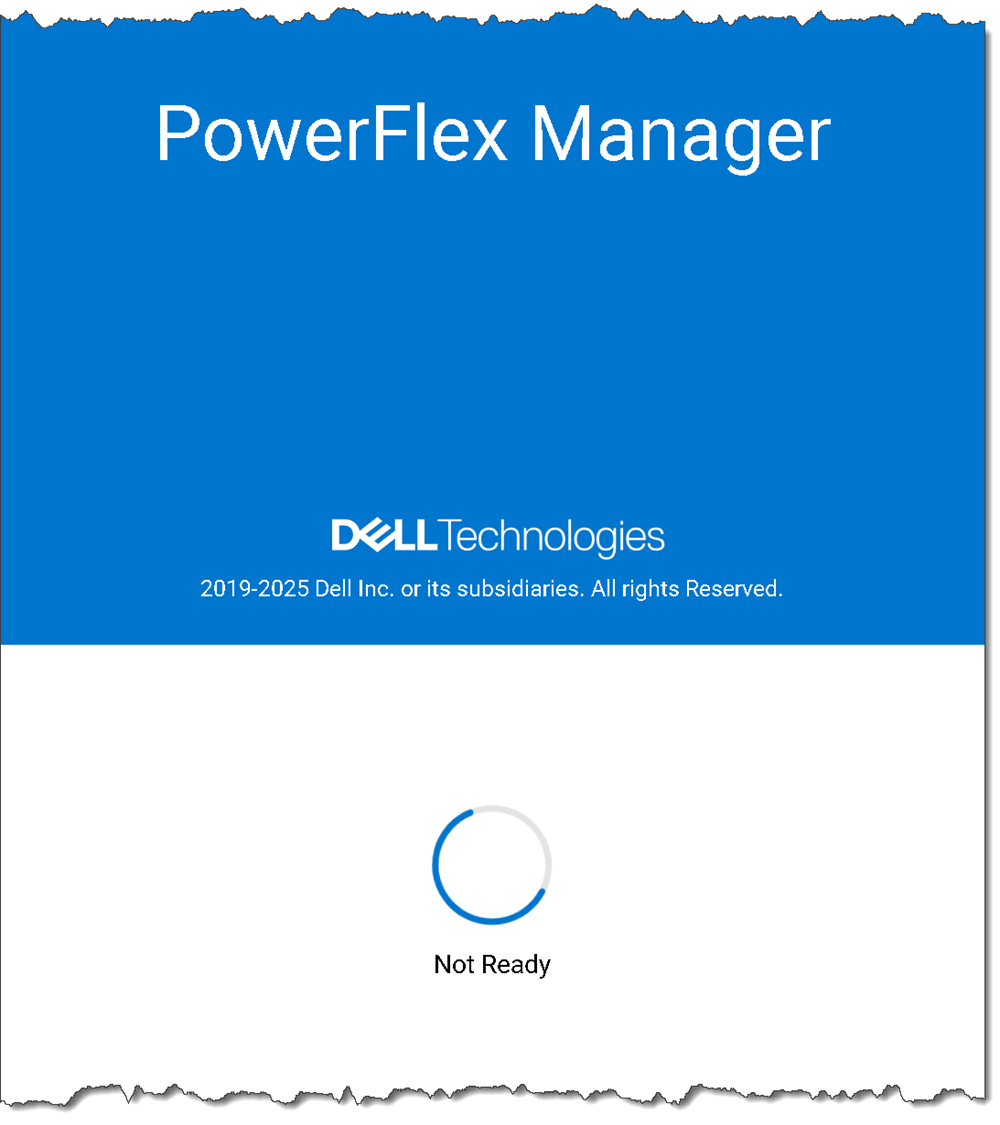
Just as a curiosity, if we try to access the PowerFlex Manager UI now, it will “Not Ready” since the PowerFlex Manager database is “down”:
6) For the Dell co-resident-system procedure, power off all hosts only after the database shutdown has been verified. Dell notes that hosts running PowerFlex Management Platform processes take longer to shut down than simple SDS nodes. Its 4.5.x procedure does not prescribe a node-by-node shutdown order for the Kubernetes management nodes.
If this lab is instead shutting down only dedicated PowerFlex Manager VMs while leaving the storage system running, identify that as a lab-specific procedure and verify the applicable management-platform runbook for the exact release. Do not present poweroff on only the PFMP VMs as the complete Dell co-resident-system shutdown:
poweroffSteps to Power Up the PowerFlex Manager Cluster
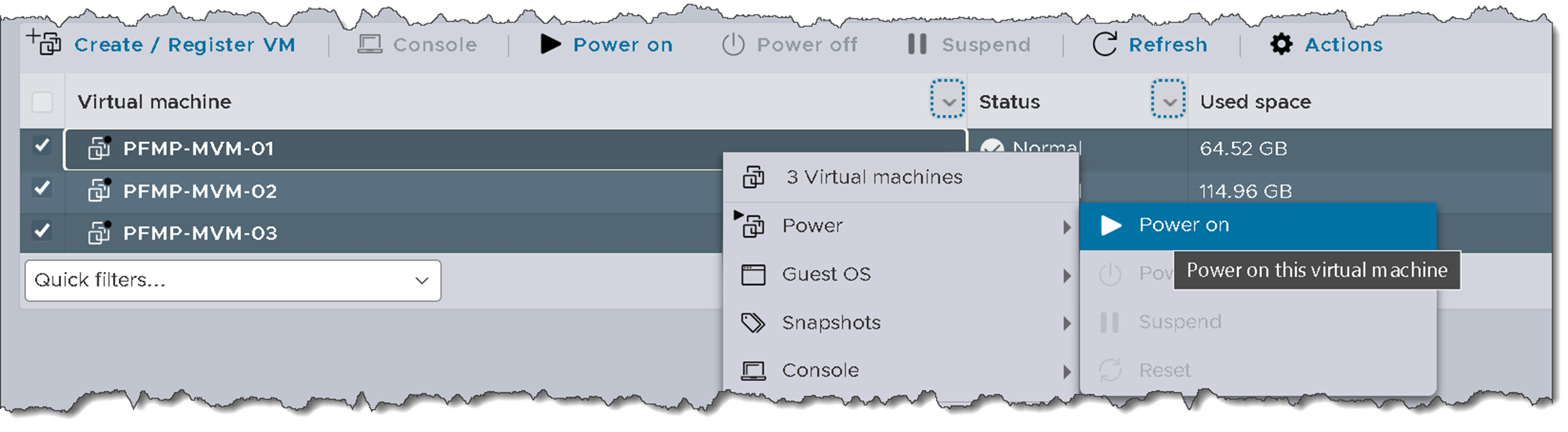
1) Power up each PowerFlex Management node (since we are in a lab environment, we are powering up each PowerFlex Manager VM):
2) Access one PowerFlex Management node to start PowerFlex (basically, we are turning on the Postgres database again):
alias k="kubectl -n $(kubectl get pods -A | grep -m 1 -E 'platform|pgo|helmrepo' | cut -d' ' -f1)"

kubectl config set-context default --namespace=$(kubectl get pods -A | grep -m 1 -E 'platform|pgo|helmrepo|docker' | cut -d' ' -f1)

k patch $(k get postgrescluster -o name) --type merge --patch '{"spec" : {"shutdown": false}}'
3) Check that PowerFlex is started:
echo $(kubectl get pods -l="postgres-operator.crunchydata.com/control-plane=pgo" --no-headers -o name && kubectl get pods -l="postgres-operator.crunchydata.com/instance" --no-headers -o name) | xargs kubectl get -o wideAfter executing this command, each Postgres pod will be started on each PowerFlex Management node:

4) Get the Postgres cluster status:
kubectl exec -n powerflex -c database $(kubectl get pods -n powerflex -l='postgres-operator.crunchydata.com/role=master, postgres-operator.crunchydata.com/instance-set' | grep Running | cut -d' ' -f1) -- sh -c 'patronictl list'One member is the “Leader,” and the other members are “Sync Standby”:

To get the PowerFlex hostnames (this command converts the Postgres member name to the system hostname):
for x in `kubectl get pods -n powerflex | grep "postgres-ha-cmo" |awk '{print $1}'` ; do echo $x; kubectl get pods -n powerflex $x -o json | grep '"nodeName"' | cut -d ':' -f2 ; echo " "; done
5) Try to access the PowewFlex Management UI. It sometimes takes a long time to be available.
Check the pods status:
kubectl get pods -AAll pods must be running. To check any pod with its status different from running:
kubectl get pods -A | grep -iv runningExample:

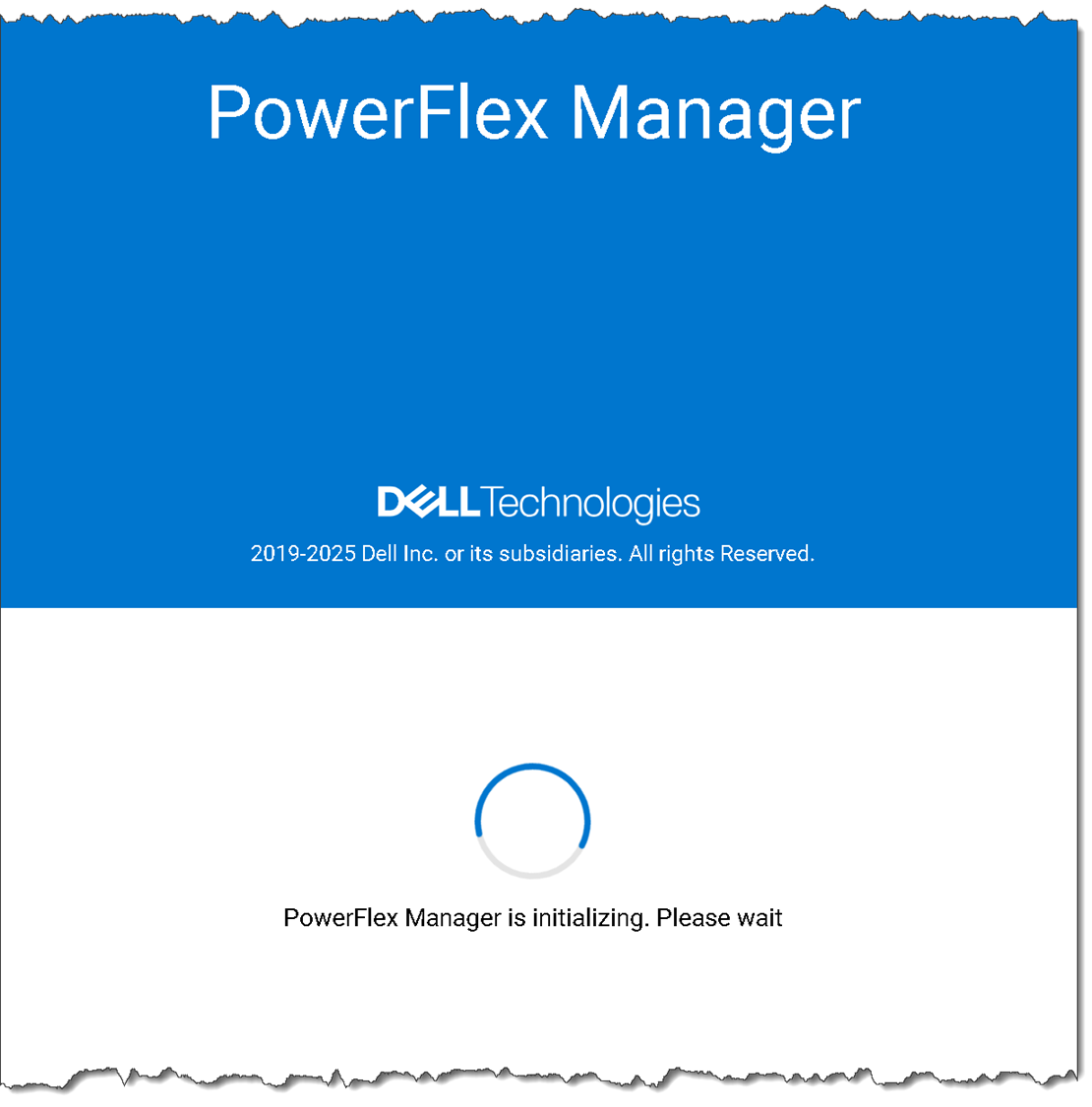
6) Afterward, if we try to access the Management console, we could see the message “PowerFlex Manager is initializing. Please wait”. Just wait some more minutes:
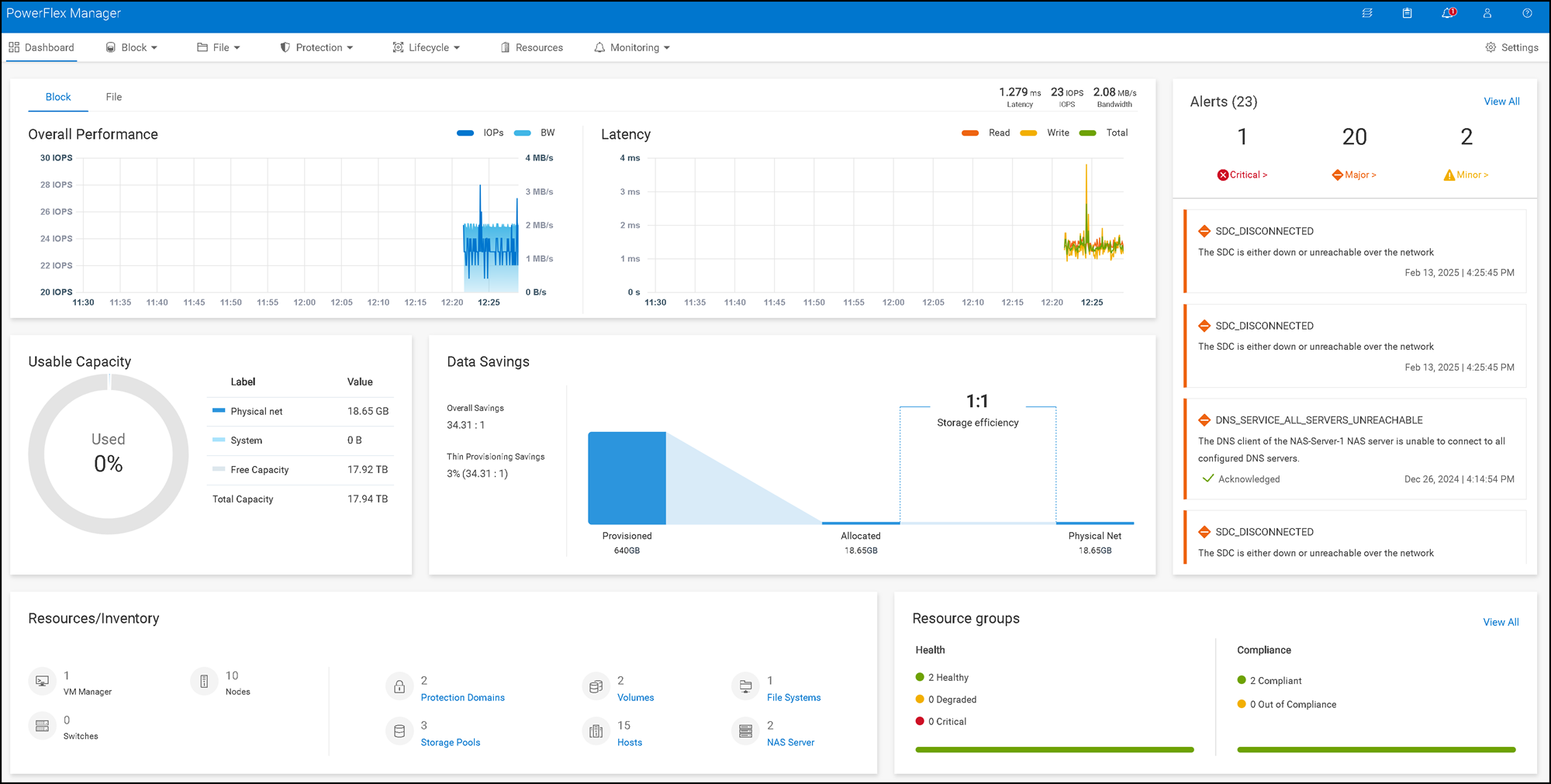
After a few minutes:
Confirm service health before returning to operation
A safe recovery is complete only after the required PowerFlex storage and management services are healthy. Confirm the MDM cluster state, exported-volume visibility, RKE2 service status, Kubernetes node readiness, database recovery, and the PowerFlex management-platform monitor status.
Record the versions and deployment topology with the maintenance notes so the procedure can be repeated against the correct Dell runbook.
External References
- Dell — Power Off the Co-Resident System Official PowerFlex 4.5.x procedure for stopping external workloads, shutting down the PowerFlex Manager database, verifying PostgreSQL shutdown, and powering off all hosts in a co-resident system.
- Dell — Power On the Co-Resident System Documents the recovery dependencies for SDS and MDM health, exported-volume visibility, RKE2 services, Kubernetes node readiness, database startup, and the monitor utility.
- Dell — PowerFlex Management Describes the PowerFlex Management Platform as a self-managed Kubernetes cluster of three or more nodes and outlines its management role.
- Dell — PowerFlex 4.5.x and PowerFlex Manager 4.6.x Install and Upgrade Guide Clarifies the version scope for Dell’s later guide: PowerFlex 4.5.2 and later with PowerFlex Manager 4.6.x, and identifies which deployment offerings should use separate documentation.
- Crunchy Data — PGO Administrative Tasks Explains the PostgresCluster shutdown field in PGO 5.5 and the effect of scaling cluster workloads to zero. Confirm the operator version installed with the target PowerFlex release before applying this description.
- Kubernetes — kubectl get Reference Documents namespace scoping, all-namespaces queries, label selectors, wide output, and resource discovery used to inspect the management cluster.
- Kubernetes — kubectl config set-context Explains that a named context is modified unless the –current option is used, which is why the procedure uses explicit namespace flags instead.
- Kubernetes — Labels and Selectors Describes how label selectors match resources and why release-specific Pod labels should be confirmed before using them for health checks.
- Patroni — patronictl list Defines the Role and State fields in patronictl output, including Leader, Sync Standby, Replica, running, and streaming.
