

Installing Docker Engine on Debian is an article that shows how to install the Docker container application on Linux Debian.
First and foremost, we have written an article explaining installing Debian Linux. You can read this article by accessing the following link:
https://dpcvirtualtips.com/installing-linux-debian-11/
Note: We are using the Debian 11 in this case!
- Set up Docker’s apt repository:
apt-get update
apt-get install ca-certificates curl gnupg
install -m 0755 -d /etc/apt/keyrings
curl -fsSL https://download.docker.com/linux/debian/gpg | gpg --dearmor -o /etc/apt/keyrings/docker.gpg
chmod a+r /etc/apt/keyrings/docker.gpg
Add the repository to apt sources:
echo \
  "deb [arch=$(dpkg --print-architecture) signed-by=/etc/apt/keyrings/docker.gpg] https://download.docker.com/linux/debian \
  $(. /etc/os-release && echo "$VERSION_CODENAME") stable" | \
  tee /etc/apt/sources.list.d/docker.list > /dev/null
And update the local repository cache:
apt-get update2. Install the Docker packages:
apt-get install docker-ce docker-ce-cli containerd.io docker-buildx-plugin docker-compose-plugin3. Check if the Docker installation was done successfully:
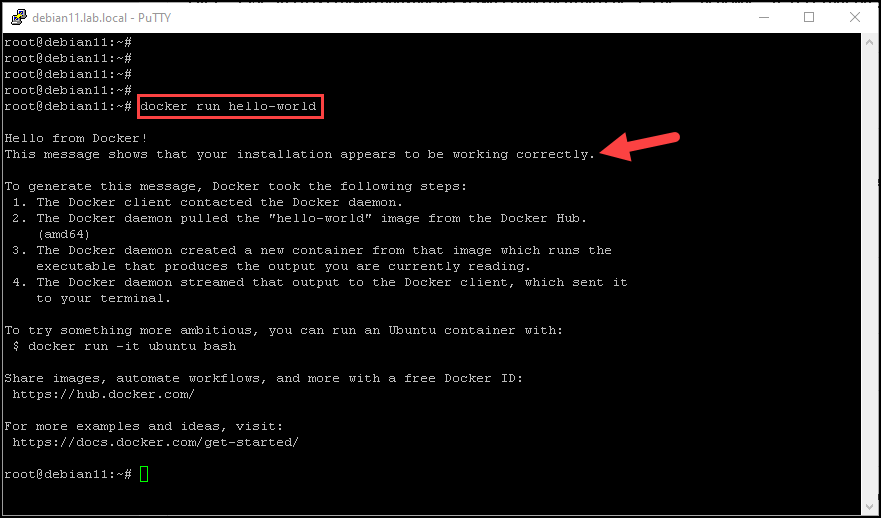
docker run hello-worldThe previous command will download and run the Docker container “hello-world”.
When the container runs, it prints a confirmation message and exists. If you see this message, your Docker has been installed successfully and you can use your Docker Host normally!
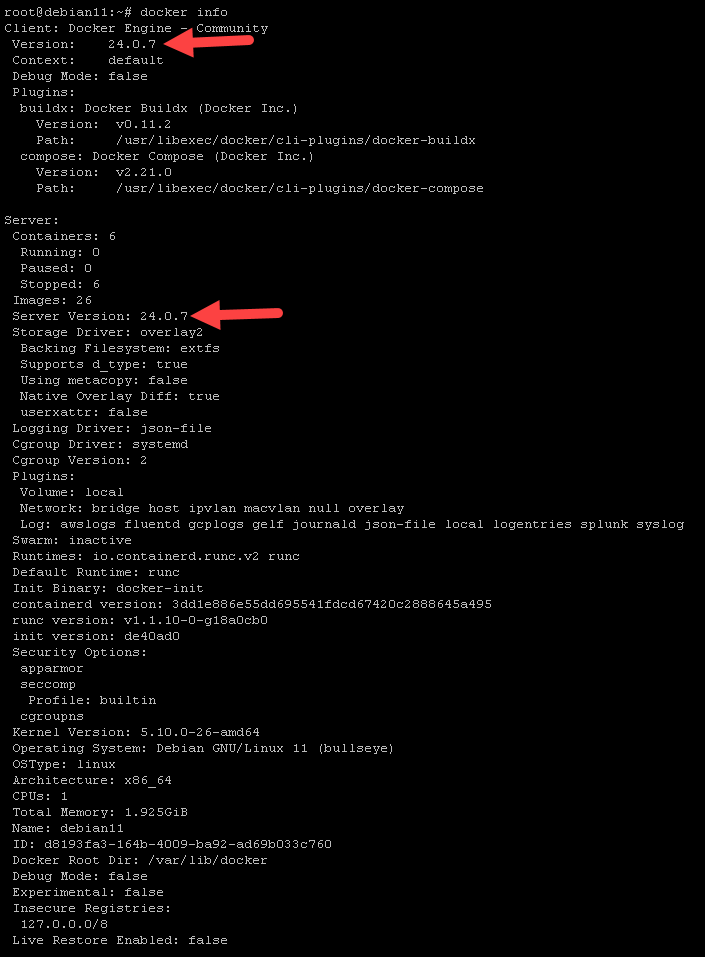
4. We can run the command “docker info” just to check the details of the docker version installed on our system:
docker infoLook we can see a lot of details, such as client Docker version, server Docker version, and other details of the Docker architecture:
Notes:
- By default, after installing the Docker Engine, the daemon is configured to start on boot automatically;
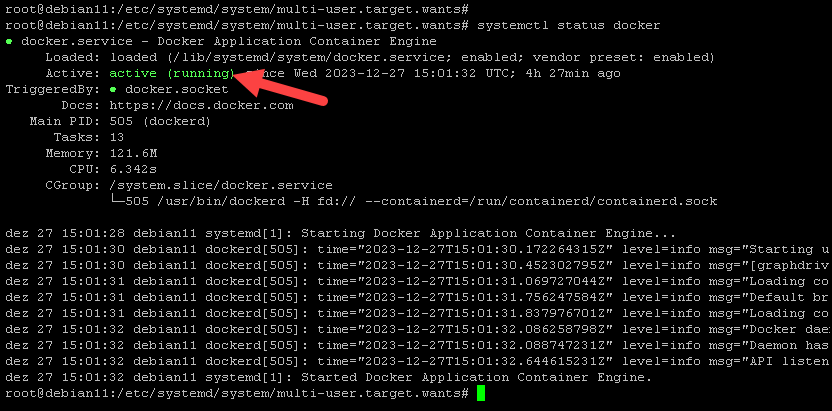
- We can use the command “systemctl status docker” to check the Docker daemon status:
systemctl status docker